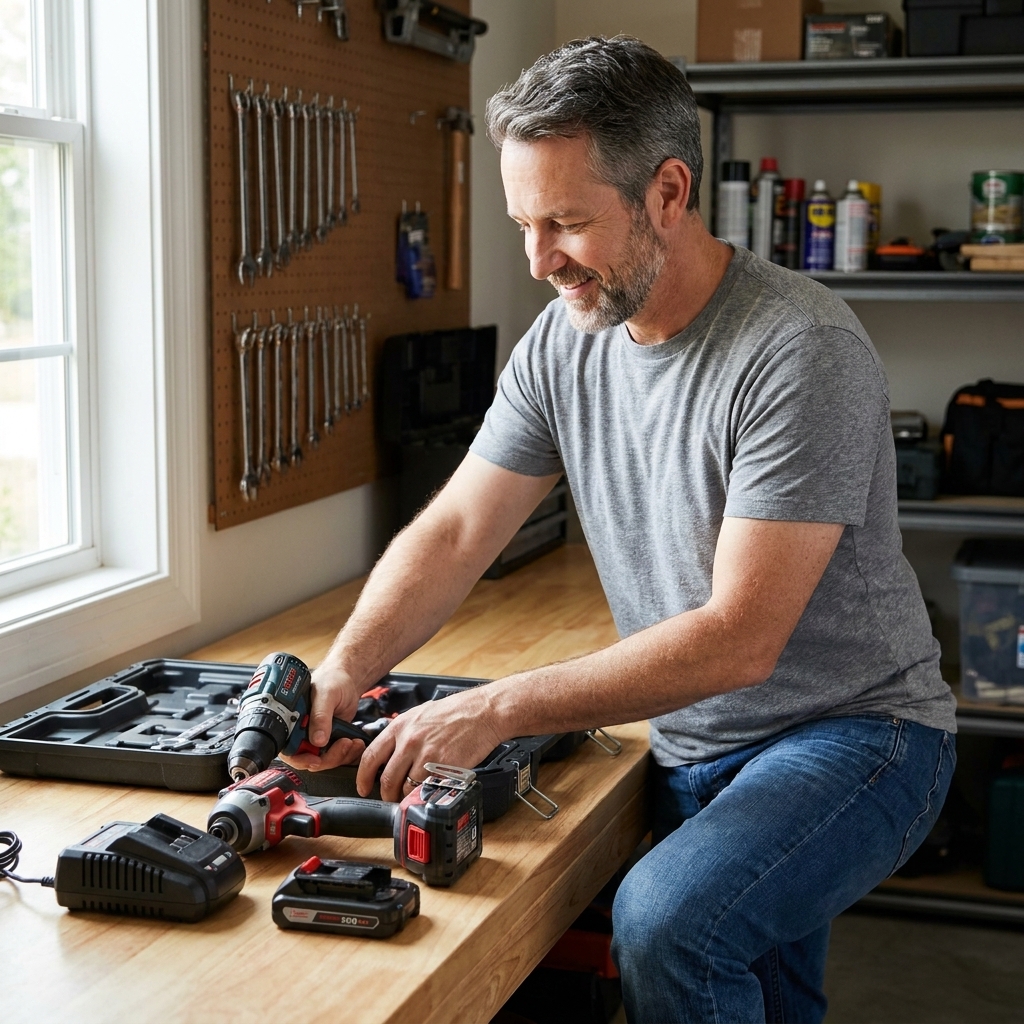
A homeowner-friendly breakdown of 12V and 20V cordless drills: real-world power, comfort, battery life, and which projects each one handles best.
home improvement and DIY
Impact Driver vs. Power Drill: When to Use Each

Marcus Hayes
Marcus Hayes is a lifelong DIY enthusiast and former residential carpenter who has spent the last decade renovating his 1970s fixer-upper. Through Tinksmith, he shares his hands-on experience to help fellow homeowners tackle repairs, choose the right tools, and build spaces they love without breaking the bank.
Published October 17, 2026
Updated October 17, 2026
If you have ever stared at an impact driver and a drill in the tool aisle thinking, “These look like cousins who wear the same shoes,” you are not alone. Both spin bits. Both drive screws. Both can make you feel like a hero on a Saturday morning. But they get their power in very different ways, and choosing the right one can mean the difference between smooth progress and a snapped screw head followed by creative new vocabulary.

Here is the straight talk: a drill is your go-to for making holes and controlled driving. An impact driver is your go-to for driving fasteners with less strain on your wrists and less chance of bogging down in tough material.
The core difference in plain English
A drill = steady twist
A traditional cordless drill uses a motor and a gearbox to apply a smooth, continuous rotation. You control the speed with the trigger, and you control the maximum twisting force with the clutch ring (those numbered settings). That clutch is the drill’s superpower for delicate work, like assembling furniture or driving cabinet screws without chewing up the surface.
An impact driver = twist plus rapid hammer taps
An impact driver also spins, but when it meets resistance it adds a rapid “impact” action: internal hammering that delivers short bursts of rotational force. Think of it like someone tapping the wrench for you many times per second. Those bursts help drive long screws and lag bolts without the motor stalling as easily.
That hammering action is also why an impact driver makes that distinctive rattle. It is not angry. It is just doing cardio.
Quick ID check: what’s in your hand?
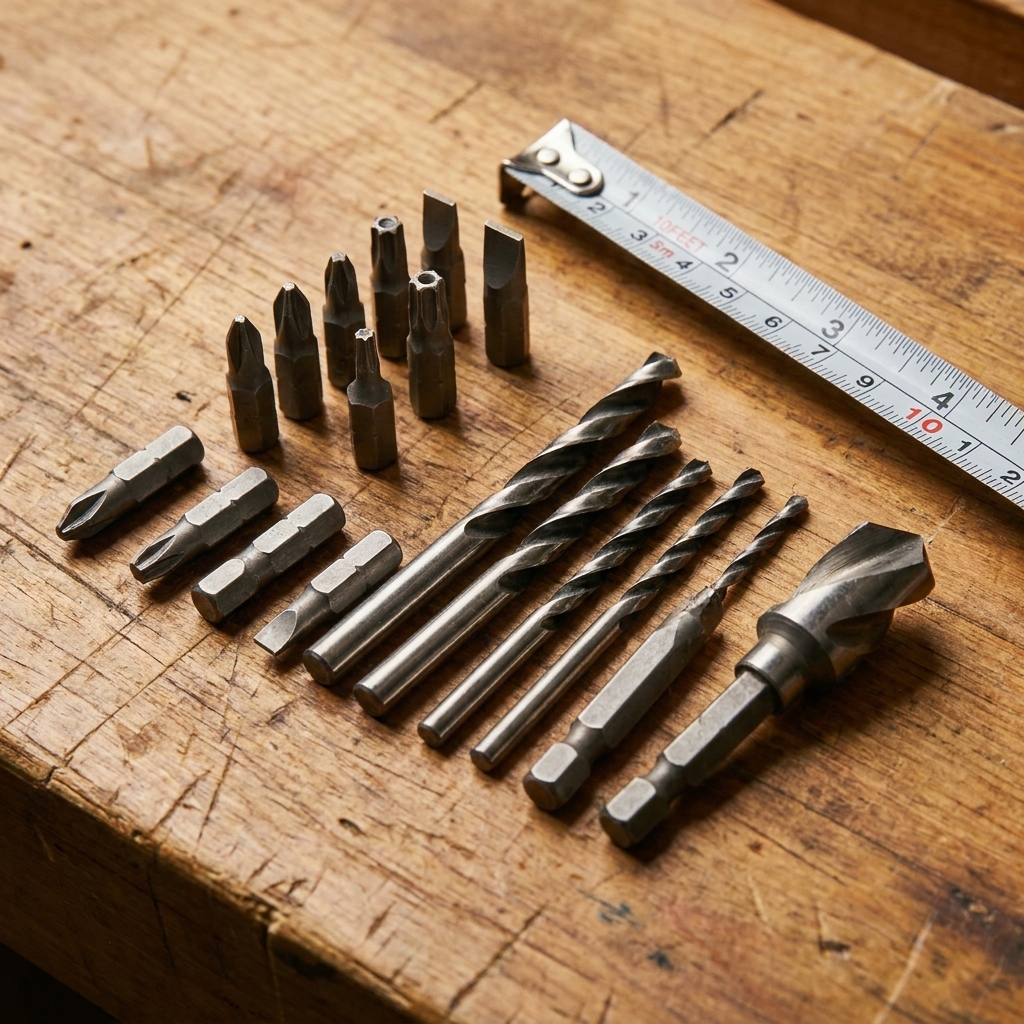
- Chuck style: Most drills have a 3-jaw chuck you tighten around drill bits. Most impact drivers have a 1/4-inch hex quick-release collet for driver bits.
- Clutch ring: Drills usually have one. Impact drivers typically do not (some have electronic modes instead).
- Length: Impact drivers are often shorter front-to-back, which is handy in tight spots.
- Sound: Drill sounds like a steady whir. Impact driver sounds like a tiny woodpecker with a schedule.
When to use a power drill
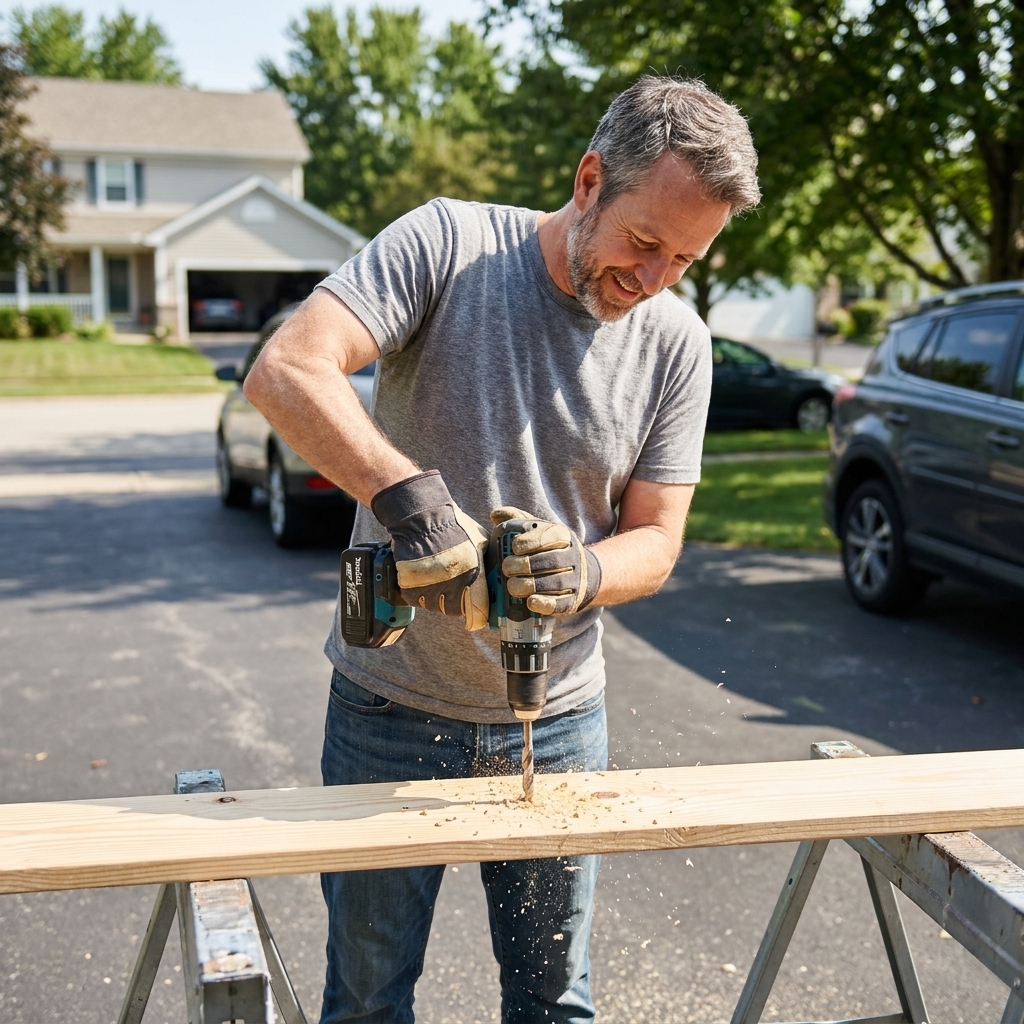
If your job involves holes, your drill should be first out of the case. Yes, an impact can spin a hex-shank drill bit, but a drill is built for the job and gives you more control.
Use a drill for:
- Drilling holes in wood: pilot holes, clearance holes, dowel holes, pocket hole work (with the right setup).
- Drilling in metal: especially with quality HSS or cobalt bits and proper speed control.
- Drilling in masonry: if you have a hammer drill mode (different tool type, but commonly sold as a “drill”).
- Delicate screw driving: hinges, cabinet hardware, face frames, outlet covers, flat-pack furniture.
- Using hole saws and spade bits: the steady torque and two-hand grip are your friend here.
Real-world drill scenarios (from a 1970s fixer-upper life)
- Hanging shelves on drywall: drill a clean pilot hole for anchors, then drive the screw with a controlled clutch setting.
- Installing cabinet pulls: drill straight, clean holes at a slow speed. This is not the moment for the tool that goes “BRAP BRAP.”
- Pre-drilling deck boards: if you are near board ends or using hardwood, a drill makes splitting less likely.
Pro tip: If you keep stripping Phillips screws, it is often not your technique. It is the bit. Switch to a fresh bit, and whenever possible use Torx or square drive fasteners.
When to use an impact driver
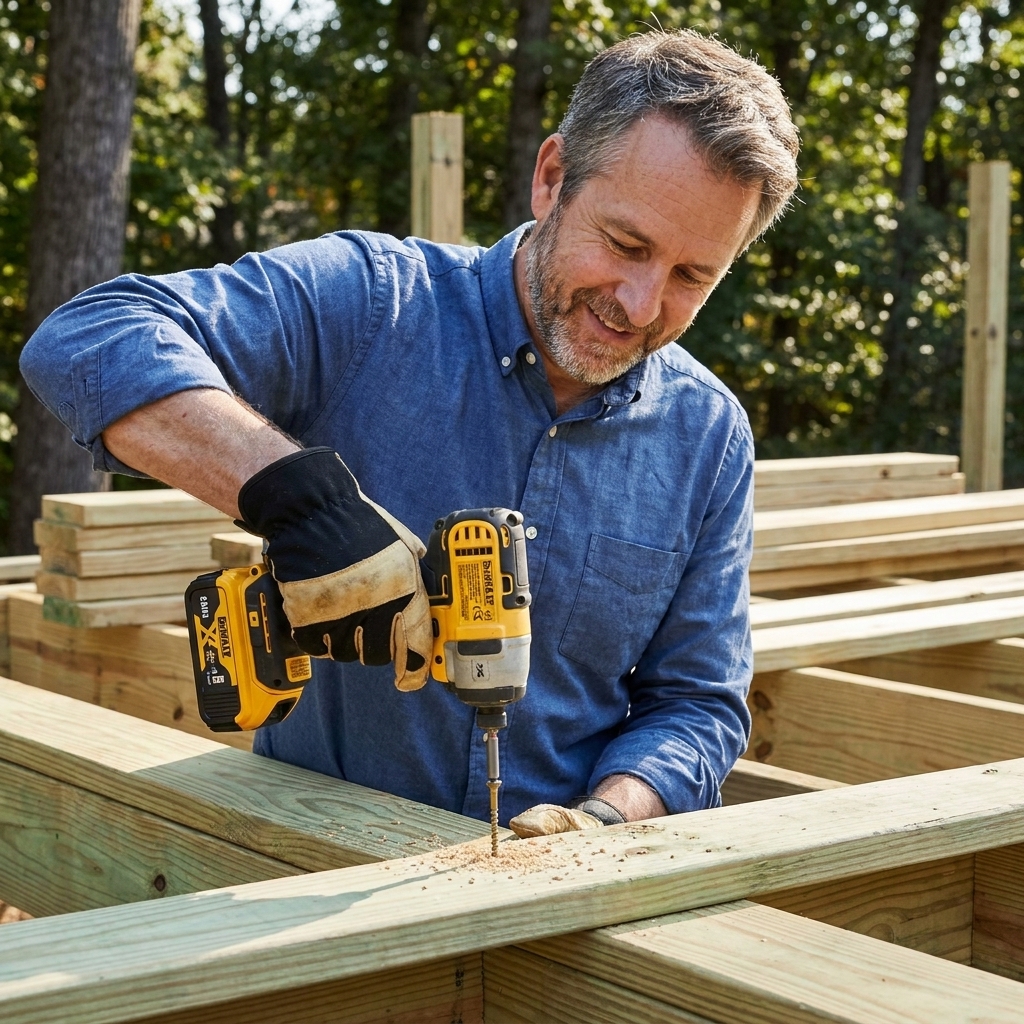
Impact drivers shine when you are driving lots of fasteners or driving big fasteners. The impact mechanism delivers high torque in bursts, which helps keep the bit engaged and reduces the constant twisting load on your wrist.
Use an impact driver for:
- Driving long wood screws: deck screws, structural screws, ledger fasteners (with correct spec and pilot as needed).
- Driving screws into dense material: pressure-treated lumber, old dry studs, engineered lumber.
- Light-duty lagging and bolts: smaller lags or bolts with a hex adapter and impact-rated sockets (for heavy structural work, follow fastener manufacturer guidance).
- Repetitive assembly: fences, shed framing, subfloor screw-down, drywall backer installs (though see the drywall note below).
- Tight spaces: shorter head length helps between studs or inside cabinets.
Real-world impact driver scenarios
- Building a deck or repairing one: hundreds of fasteners, often into tough lumber. An impact driver saves time and frustration.
- Replacing a gate latch and hinges: long exterior screws into old posts love to fight back. Impacts fight harder.
- Installing structural screws for blocking: you still want pilots in many cases, but the driver will bury the screws without bogging down.
Drywall note: Pros use dedicated drywall screw guns for speed and depth consistency. For homeowners, an impact driver can overdrive and tear paper fast. If you are hanging drywall, use a drill with a drywall depth stop bit, or a drywall gun if you are doing more than one room.
Mechanical differences that matter
Torque delivery: steady vs. bursts
A drill applies torque smoothly. An impact driver applies torque in quick hits when resistance rises. Those hits are why impacts excel at stubborn screws and why they tend to cam out less with the right bit.
Control: clutch beats confidence
The drill’s clutch is a big deal for finish work. Set it low and it will stop before you sink a screw too deep or strip the head. Impacts can be controlled with practice, trigger finesse, and speed modes, but they are still more eager to send it.
Bit retention: chuck vs. hex collet
Drills can hold almost anything round or hex: drill bits, spade bits, hole saw arbors, mixing paddles, you name it. Impact drivers take 1/4-inch hex shanks. That makes bit swaps quick, but it is less versatile for true drilling and specialty attachments.
Kickback and wrist strain
When a drill binds up, it can twist your wrist suddenly. Impacts usually do not “grab” the same way because the hammering action helps them keep moving. That said, both tools can bite you if you are careless. Use two hands when drilling larger holes, and brace your stance.
Which one should you buy first?
If you are starting from zero, a cordless drill is the best first purchase for most homeowners because it covers drilling and light driving. If you already have a drill and you are doing any of the following, an impact driver is the most satisfying upgrade you will make this year:
- You build decks, fences, sheds, or furniture regularly
- You drive lots of 2 1/2-inch to 4-inch screws
- You work with pressure-treated lumber often
- You are tired of your drill stalling or stripping screw heads
Best case: get the combo kit with both tools, one charger, and two batteries. You will use both constantly.
Common mistakes and fixes
Mistake 1: Using an impact driver to drill everything
You can, but you should not as your default. For clean holes, better accuracy, and fewer snapped bits, use a drill. If you must use an impact driver to drill, use hex-shank drill bits, keep speed moderate, and back the bit out often to clear chips.
Mistake 2: Skipping pilot holes in hardwood or near board ends
Impact drivers are strong enough to split wood quickly. If you are within an inch or two of an end grain edge, or you are in hardwood, drill a pilot hole first. Your future self will thank you, and your board will stay in one piece.
Mistake 3: Using non-impact-rated bits in an impact driver
Standard bits can shatter under impact forces. Look for impact-rated driver bits and socket adapters. They are tougher, and they fit tighter.
Mistake 4: Assuming “more torque” is always better
Overdriving fasteners can strip holes, snap screws, and crush cabinet parts. For finish work, switch to the drill and use the clutch. For anything structural, follow fastener manufacturer recommendations for pilots, torque, and washers.
Go-to setups I use at home
Setup for framing and outdoor projects
- Impact driver: impact-rated Torx bits, structural screws, nut driver for hex-head screws
- Drill: pilot bits and countersink bits, spade bits, hole saws
Setup for cabinets and trim
- Drill: clutch set low, brad-point bits for clean holes, countersink for wood screws
- Impact driver: only if needed for a stubborn fastener, and on a low-speed mode if available
FAQ
Can an impact driver replace a drill?
Not really. An impact driver can handle occasional drilling with hex-shank bits, but a drill is better for accurate holes, larger bits, hole saws, and any job where control matters.
Why does my drill strip screws but my impact driver does not?
Two common reasons: the impact action helps keep the bit engaged, and impacts tend to deliver force in bursts instead of one steady twist that cams the bit out. Also, many people unconsciously push harder with an impact because it feels more stable. Use fresh bits and switch to Torx when you can.
Do I need impact-rated sockets?
If you are using an impact driver with sockets, yes. Impact-rated sockets are designed for that hammering force. Standard chrome sockets can crack.
Which is better for drilling into studs?
Use a drill for pilot holes, spade bits, and hole saws. Use an impact driver for driving the screws afterward.
The simple rule I follow
If I am making a hole, I grab the drill. If I am driving a fastener, especially lots of them or long ones, I grab the impact driver. And if I am doing both, I keep them both on the bench so I am not swapping bits every 30 seconds like a caffeinated squirrel.
Get those two tools working as a team and your weekend projects get faster, cleaner, and a whole lot more fun.